



Screenshots of any URL, over a simple HTTP API
Send a URL from your server and get back an image. PagePeeker renders the page in Chrome, then serves the image from its cache.
import requests

# A new URL returns a placeholder until its render is done
res = requests.get("https://api.pagepeeker.com/v2/thumbs.php?size=x&code=YOUR_CODE&url=nasa.gov")
with open("capture.jpg", "wb") as f:
    f.write(res.content)
// A new URL returns a placeholder until its render is done
$image = file_get_contents("https://api.pagepeeker.com/v2/thumbs.php?size=x&code=YOUR_CODE&url=nasa.gov");
file_put_contents("capture.jpg", $image);import { writeFile } from "node:fs/promises";
// A new URL returns a placeholder until its render is done
const res = await fetch("https://api.pagepeeker.com/v2/thumbs.php?size=x&code=YOUR_CODE&url=nasa.gov");
await writeFile("capture.jpg", Buffer.from(await res.arrayBuffer()));# Check whether the capture is ready
curl "https://api.pagepeeker.com/v2/thumbs_ready.php?size=x&code=YOUR_CODE&url=nasa.gov"
# {"IsReady":1,"Error":0}
curl -o capture.jpg "https://api.pagepeeker.com/v2/thumbs.php?size=x&code=YOUR_CODE&url=nasa.gov"Try it on a page
Enter an address and pick a size. The request at the top of the page changes to match.
- Size
- 480 x 360
- Format
- JPEG
- Cached for
- 5 to 7 days
- Calls used
- 1
What happens to a request
Rendering a page takes seconds, and your code should not have to sit waiting. The API answers at once and renders in the background.
You ask for a URL
From your server, with your API key as code. Any language that can make an HTTP request will do.
GET /v2/thumbs.phpChrome renders the page
Until the capture exists you get a placeholder, or your own loading image. Poll thumbs_ready.php to know when it's done.
{"IsReady":0,"Error":0}The image is cached and served
The next request gets the capture straight away. It stays for 5 to 7 days on Basic and Advanced, and for as long as you set on Premium.
{"IsReady":1,"Error":0}Five sizes, drawn here at true size
Ask for a letter and get that exact box. On Premium you can have any other size, full page captures, and mobile and tablet screens.
- t90 x 68
- s120 x 90
- m200 x 150
- l400 x 300
- x480 x 360
What developers build with it
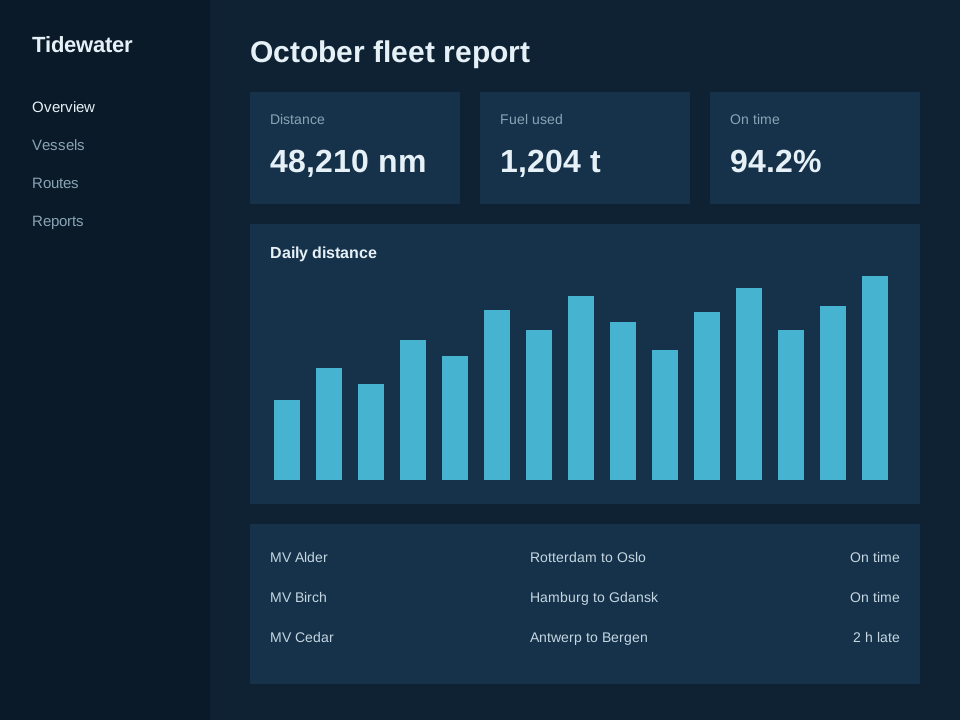
Report images
Render your own dashboards and drop them into emails, PDFs and slides.
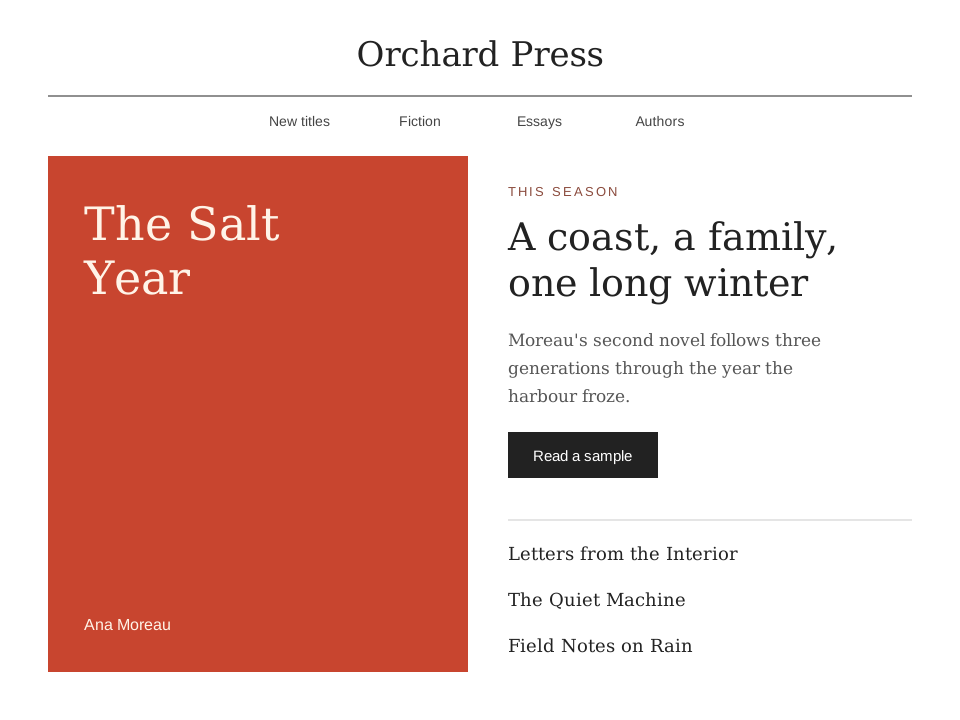
Link previews
Show what a link leads to before anyone clicks it, in feeds, comments and search results.
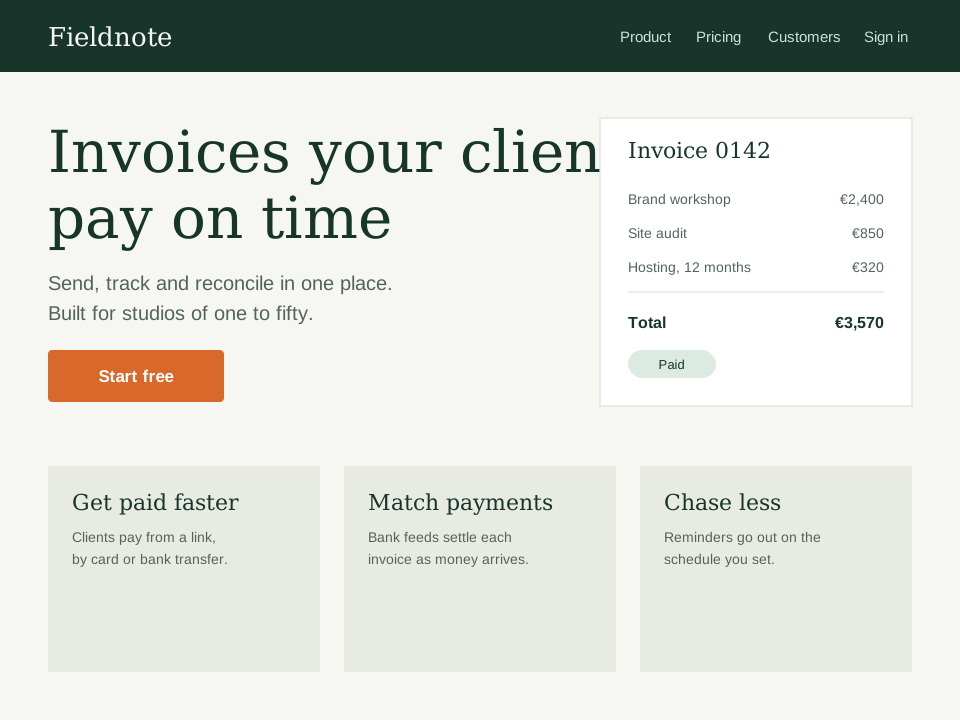
Site directories
Give every listing, template or customer site in your product its own picture.